


⚡ TL;DR
- Resource utilization measures how much available workforce capacity is being used.
- Billable utilization measures the portion of available capacity associated with billable work.
- Resource utilization tools can connect utilization with capacity planning, scheduling, workload management, time tracking, forecasting, and reporting.
- A free calculator can help with quick calculations, while resource-management or PSA software can support continuous planning and monitoring.
- Free calculators, free plans, and free trials are different and should not be treated as equivalent.
- The right tool depends on team size, planning complexity, scheduling requirements, forecasting needs, and whether resource data needs to connect with project and financial workflows.
Resource utilization tools help businesses understand how effectively available workforce capacity is being used. They can show how much time employees spend on work, where capacity is available, who is overloaded, and whether upcoming demand can be supported by the current team.
For professional services firms, consulting companies, agencies, IT services businesses, and other project-based organizations, resource utilization is closely connected to capacity planning, resource scheduling, workload management, time tracking, forecasting, and project economics.
Modern resource-management platforms increasingly combine these capabilities. For example, Float connects resource scheduling with capacity planning, Scoro provides utilization and capacity visibility, and Kantata connects resource capacity planning with utilization and skills-based resource management.
This guide explains what resource utilization tools do, how utilization is calculated, which capabilities matter, and which tools are worth evaluating in 2026.
What Is a Resource Utilization Tool?
A resource utilization tool is software that helps organizations measure how much of their available workforce capacity is being used.
Depending on the platform, it may work with information such as:
- Available hours
- Worked hours
- Billable hours
- Scheduled or allocated hours
- Project demand
- Employee availability
- Time off
- Future capacity
- Workload
- Project assignments
The goal is not simply to produce a utilization percentage. The more useful question is what that percentage tells managers about staffing and planning.
For example, resource utilization information can help answer:
- Who has available capacity?
- Who is overloaded?
- How much additional work can the team absorb?
- Do upcoming projects have enough resources?
- Where is unused or unsold capacity?
- When might additional hiring or contractors be required?
Resource utilization becomes more useful when combined with capacity planning and scheduling. Float, for example, distinguishes resource scheduling from capacity planning while bringing both into one planning workflow. Scoro similarly provides utilization, availability, workload, and capacity visibility.
How Is Resource Utilization Calculated?
A basic resource utilization formula is:
Resource Utilization = (Hours Worked ÷ Available Hours) × 100
For example, if an employee has 40 available hours and works 34 hours:
34 ÷ 40 × 100 = 85% resource utilization
Billable utilization uses billable hours instead:
Billable Utilization = (Billable Hours ÷ Available Hours) × 100
If the employee works 34 hours and 28 of those hours are billable:
28 ÷ 40 × 100 = 70% billable utilization
These metrics should not be treated as interchangeable.
An employee can have high resource utilization because they are busy with internal meetings, training, administration, or other work while having considerably lower billable utilization.
The exact calculation can also vary between platforms because vendors may define available, scheduled, billable, or productive hours differently. PSA platforms such as Kantata and Certinia, for example, each frame utilization around their own combination of scheduled, logged, and billable time, so it’s worth checking each vendor’s current documentation for the specific definition it uses.
Resource Utilization vs. Billable Utilization vs. Capacity
| Metric | Formula / Concept | What It Tells You |
| Resource utilization | Hours worked ÷ available hours | How much available capacity is being used |
| Billable utilization | Billable hours ÷ available hours | How much available capacity is associated with billable work |
| Bench hours | Available hours − billable hours | Available hours not associated with billable work |
| Capacity | Realistically available working capacity after constraints | How much work a person or team can take on |
| Scheduled utilization | Scheduled or allocated work relative to available capacity | How much capacity has been committed |
The denominator matters.
A nominal 40-hour workweek does not necessarily mean an employee has 40 hours of usable project capacity. Holidays, leave, part-time schedules, existing assignments, meetings, and other availability constraints can reduce the actual capacity available for work.
Float, for example, calculates capacity using working hours, approved time off, public holidays, and existing project allocations. Toggl similarly describes capacity calculations that account for work hours, task estimates, time off, holidays, and connected calendar events.
What Should a Resource Utilization Tool Include?
Not every business needs the same level of functionality. A simple calculator may be enough for occasional analysis, while a growing professional services firm may need continuous resource planning.
Here are the capabilities worth evaluating.
1. Utilization Tracking
The tool should provide visibility into how available capacity is being used.
Useful views can include utilization by:
- Employee
- Team
- Department
- Project
- Role
- Period
- Client
2. Capacity Planning
Capacity planning looks forward.
Instead of only asking what happened last month, managers can ask whether the team has enough available capacity for planned work.
For example:
“We have three projects starting next month. Do we have enough available consultants to deliver them?”
That is a capacity-planning question rather than simply a historical utilization question.
3. Resource Scheduling
Scheduling connects employees with projects, tasks, services, or other work.
A useful scheduling system should make it easier to identify:
- Double-booking
- Over-allocation
- Availability
- Upcoming capacity gaps
- Unused capacity
- Conflicting assignments
4. Time Tracking and Actuals
Actual time data allows managers to compare planned work with what employees actually worked.
This can help answer:
- Was the original estimate realistic?
- Are projects consuming more hours than expected?
- Are certain roles consistently over capacity?
- Is planned utilization different from actual utilization?
5. Billable and Non-Billable Tracking
Professional services businesses often need to understand not only whether employees are busy, but how much of their time is associated with billable client work.
A useful platform should make the difference between billable and non-billable work visible.
6. Forecasting
Forecasting helps managers compare future demand with available resources.
For example:
“Our pipeline shows several projects starting next quarter. Do we have enough capacity to deliver them?”
Forecasting can help teams identify potential staffing gaps before they become delivery problems.
7. Workload Visibility
A utilization percentage alone can hide important details.
Two employees may both show 80% utilization while one is booked across five projects and the other is assigned to a single project.
Workload views provide additional context for understanding how capacity is distributed.
8. Reporting
Useful reports can include:
- Utilization
- Billable utilization
- Capacity
- Workload
- Scheduled vs. actual time
- Bench hours
- Resource allocation
- Forecast demand
- Over-capacity periods
- Underutilized resources
Resource Utilization Tools Compared
The following tools represent different approaches to resource utilization, capacity planning, scheduling, and professional-services operations. They are not ranked, because their use cases and target organizations differ.
| Tool | Primary Use Case | Utilization / Capacity | Scheduling | Time / Actuals | PS Focus |
| CRMLeaf Resource Utilization GPT | Quick utilization calculations | Yes | — | User-entered hours | Service teams |
| Kantata | PSA and resource management | Yes | Yes | Yes | Professional services |
| Scoro | Resource planning and business management | Yes | Yes | Yes | Professional services |
| Productive | Resource planning and project operations | Yes | Yes | Yes | Agencies and services |
| BigTime | PSA and resource management | Yes | Yes | Yes | Professional services |
| Deltek Vantagepoint | Resource management and project operations | Yes | Yes | Yes | Professional services |
| Certinia Professional Services Cloud | PSA and resource management | Yes | Yes | Yes | Professional services |
| Float | Resource scheduling and capacity planning | Yes | Yes | Yes | Project/service teams |
| Resource Guru | Resource scheduling and availability | Yes | Yes | Yes* | Project teams |
| Runn | Resource planning and capacity management | Yes | Yes | Yes* | Project and technical teams |
Specific reporting and timesheet functionality can depend on the current plan.
This table is a capability overview rather than a numerical ranking. Feature availability and plan structures can change, so buyers should verify the current vendor documentation before purchasing.
How We Selected These Resource Utilization Tools
We selected tools based on their documented relevance to resource utilization, resource planning, capacity management, scheduling, time tracking, forecasting, or professional-services operations.
The evaluation framework considers:
- Resource utilization tracking
- Billable utilization
- Capacity planning
- Resource scheduling
- Workload visibility
- Time tracking
- Forecasting
- Reporting
- Resource allocation
- Professional-services relevance
- Availability of free tools, free plans, or trials
We also distinguish between different types of “free” access:
- Free calculator
- Free plan
- Free trial
- Paid software
A free trial is not the same as a free product, and a calculator is not equivalent to a full resource-management platform.
Product capabilities, pricing, and plan availability can change, so current vendor documentation should be checked before making a purchasing decision.
1. CRMLeaf Resource Utilization GPT
Best for: Quick utilization calculations using user-provided team and time data.
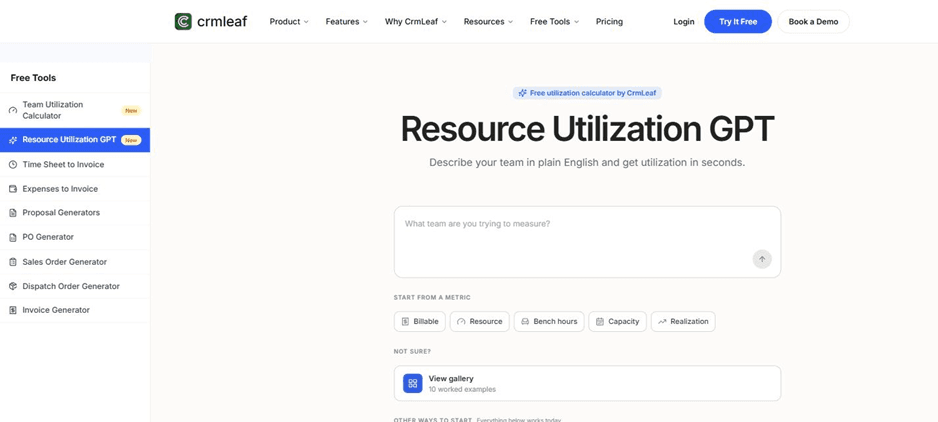
CRMLeaf Resource Utilization GPT – describe your team in plain English and get utilization in seconds
CRMLeaf Resource Utilization GPT is a free tool designed to help users calculate resource utilization using plain-English descriptions.
The current tool allows users to start from:
- Billable
- Resource
- Bench hours
- Capacity Realization
Users can also enter available, worked, and billable hours per person.
For example:
Priya: 40 available, 38 worked, 32 billable
The calculator can use this information to calculate the relevant utilization metrics.
CRMLeaf also provides a broader Resource Utilization module for organizations that need continuous resource visibility.
Importantly, this module is a paid add-on, not part of the free calculator itself.
The Resource Utilization add-on provides four views:
- Availability
- Capacity
- Workload
- Timeline
These views are derived from operational records such as task estimates, logged time, shifts, leave, and holidays.
Best fit: Teams that need quick utilization calculations, or service organizations that need broader resource-utilization visibility through an additional CRMLeaf module.
2. Kantata
Best for: Professional services organizations with complex resource-planning requirements.
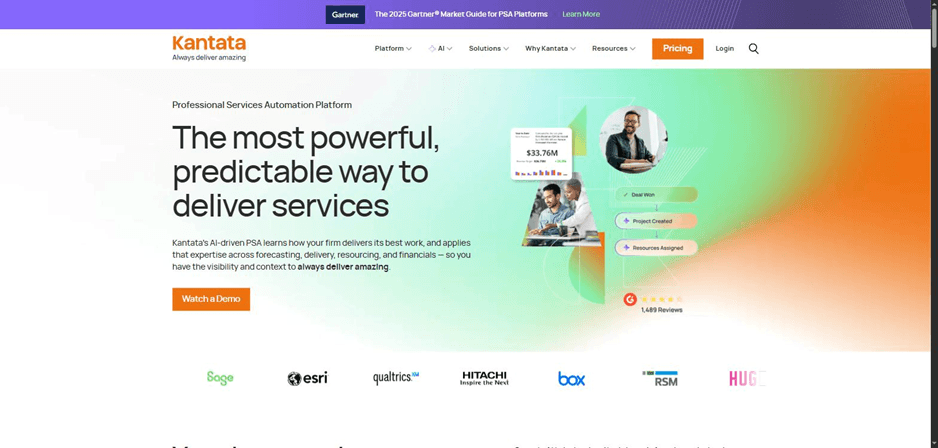
Kantata’s homepage – Professional services automation platform
Kantata positions its platform around professional services automation and resource management.
Its resource-capacity capabilities include:
- Resource availability
- Skills
- Utilization
- Capacity planning
- Cross-project scheduling
- Resource allocation
- Forecasting
Kantata also frames utilization as more than one concept, so buyers evaluating it closely should confirm directly with Kantata how it defines and separates billable, productive, and total utilization in its current documentation.
This makes Kantata relevant for organizations where utilization needs to be considered alongside project demand, skills, staffing, and professional-services operations.
Best fit: Mid-market and enterprise professional services organizations.
3. Scoro
Best for: Professional services firms looking for resource planning alongside broader business management.
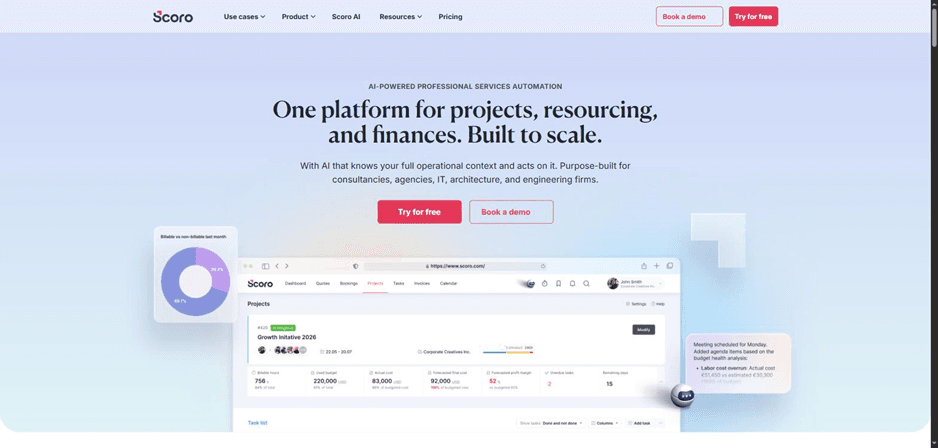
Scoro’s homepage – projects, resources, and finances in one system
Scoro provides visibility into team availability, workload, utilization, and capacity.
Its utilization reporting can show how much team time has been used, planned, or left unscheduled. It can also help identify overworked or underutilized employees and support capacity forecasting.
Scoro’s resource-planning functionality includes scheduling and allocating work based on skills, availability, and workload.
Best fit: Professional services firms that want resource planning connected with project and business-management workflows.
4. Productive
Best for: Agencies and professional services businesses that want resource planning connected with project operations.
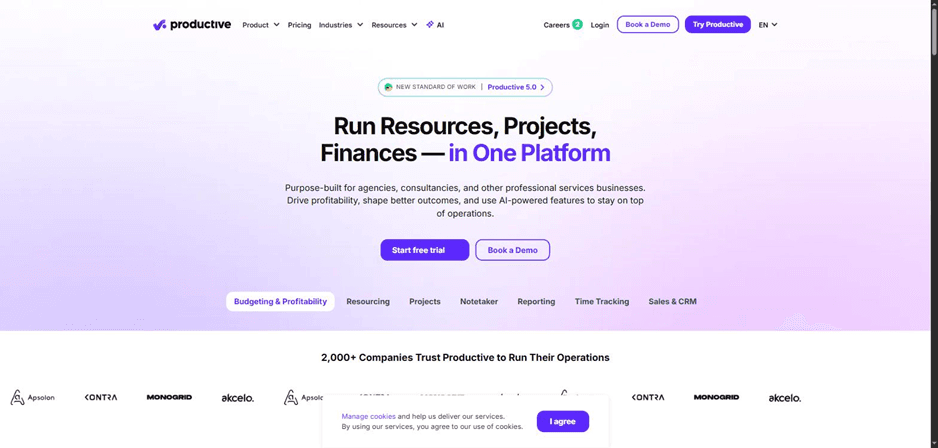
Productive’s homepage – resources, projects, and finances in one platform
Productive’s resource-planning capabilities help teams allocate people across work while monitoring capacity and bookings.
Its broader platform connects resource planning with project, budget, time-tracking, and operational workflows.
This can help teams move beyond simply asking who is available and understand how resource decisions affect project delivery and financial performance.
Best fit: Agencies and professional services organizations looking for connected resource and project operations.
5. BigTime
Best for: Professional services firms that want resource planning connected with utilization and financial information.
BigTime’s homepage – professional services and financial management software
BigTime provides professional-services management capabilities that include resource management, utilization reporting, scheduling, forecasting, time tracking, invoicing, and project workflows.
Its resource-management functionality includes:
- Drag-and-drop scheduling
- Availability visibility
- Utilization reports
- Demand coverage
- Resource allocation
- Forecasting
BigTime also connects resource allocation with project execution and time tracking.
Best fit: Professional services firms that need resource planning alongside PSA and financial workflows.
6. Deltek Vantagepoint
Best for: Professional services organizations that need resource management connected with project operations.
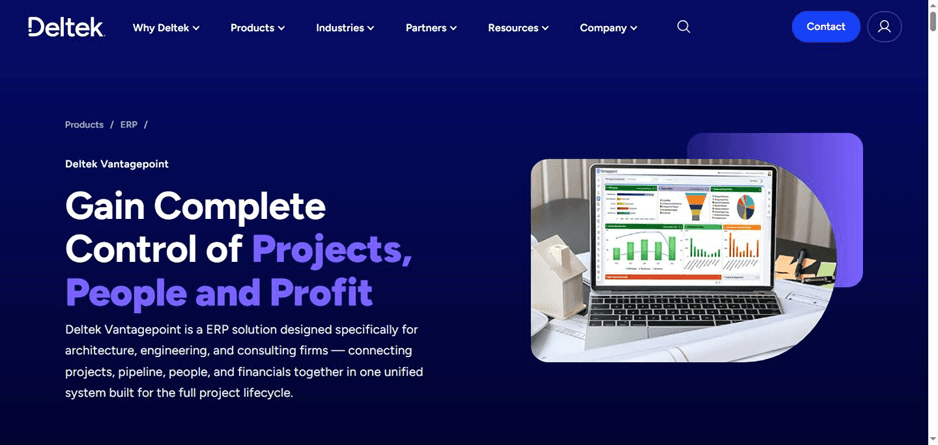
Deltek Vantagepoint’s homepage – ERP for A&E and consulting firms
Deltek Vantagepoint connects project demand with staff capacity and provides visibility into utilization, availability, and skills.
Its resource-management capabilities include:
- Resource capacity
- Workload balancing
- Utilization
- Availability
- Skills matching
- Future staffing
- Capacity forecasting
- Time vs. plan
This makes it particularly relevant for organizations with specialized resources and complex project demand.
Best fit: Architecture, engineering, consulting, and other project-based professional services organizations.
7. Certinia Professional Services Cloud
Best for: Professional services organizations that need utilization and resource management within a PSA environment.
Certinia’s homepage – cloud PSA and financial management software built on Salesforce
Certinia’s Professional Services Cloud includes utilization and resource-management functionality as part of its broader PSA suite.
It provides utilization and resource-allocation visibility alongside project, timecard, and financial data, generally covering:
- Utilization percentage
- Scheduled vs. logged hours
- Resource allocation visibility
- Resource utilization rates
The exact metrics and dashboard layout can vary by edition, so buyers should confirm current specifics with Certinia directly.
Best fit: Professional services organizations that need PSA-based resource and utilization management.
8. Float
Best for: Resource scheduling and capacity planning.
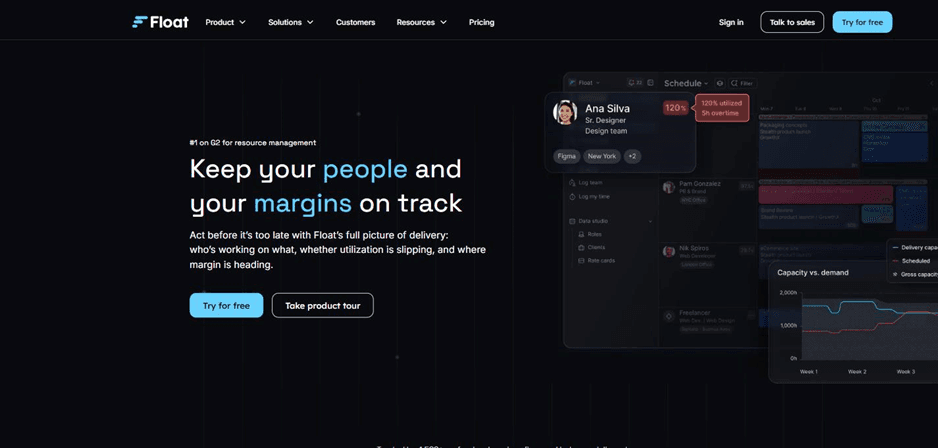
Float’s homepage – resource scheduling and capacity/margin tracking
Float combines resource scheduling with capacity planning.
Its current documentation describes capacity using factors such as:
• Standard working hours
• Approved time off
• Public holidays
• Existing project allocations
Float’s Schedule provides visibility into utilization, remaining capacity, and overtime.
This makes it useful for teams asking:
“Who is available, who is overloaded, and when can we schedule the next project?”
Best fit: Agencies, consultancies, and project-based teams that prioritize scheduling and capacity visibility.
9. Resource Guru
Best for: Resource scheduling, availability management, and utilization visibility.
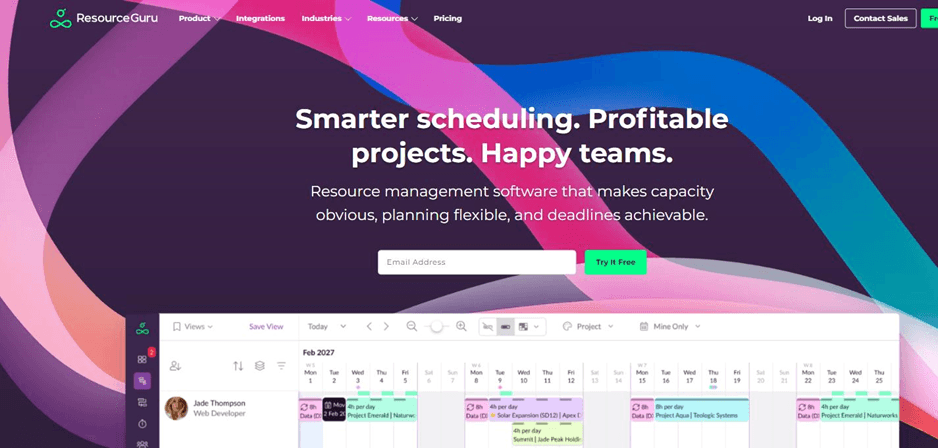
Resource Guru’s homepage – scheduling software for teams
Resource Guru focuses on resource scheduling and availability management.
Its reporting capabilities include data related to:
- Availability
- Bookings
- Downtime
- Resources
- Utilization
- Scheduled vs. actual hours
- Timesheets
Reports can also be exported for additional analysis.
Some reporting and timesheet functionality depends on the selected plan, so businesses should verify current plan details before purchasing.
Best fit: Teams that need dedicated resource scheduling and visibility into availability and workload.
10. Runn
Best for: Forward-looking resource planning and capacity management.
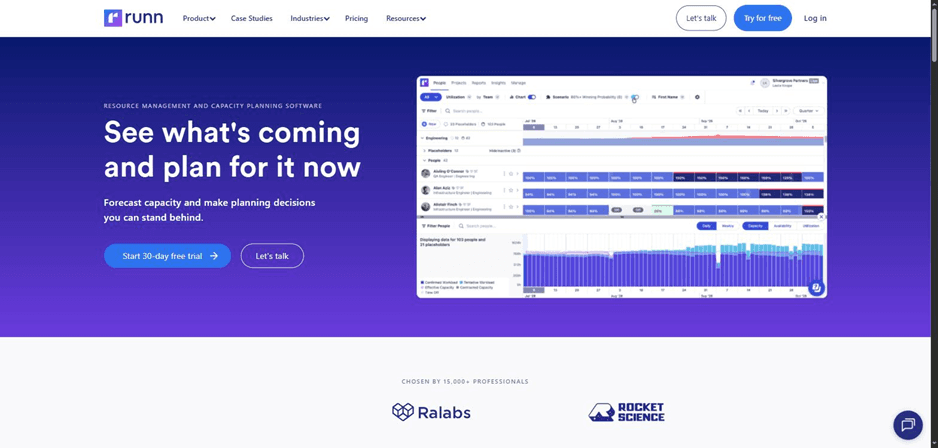
Runn’s homepage – resource management and capacity planning software
Runn focuses on resource management and capacity planning, helping teams plan people against projects and compare future demand with available capacity.
Its utilization capabilities can distinguish different types of utilization and provide visibility into planned and actual resource use.
Runn also supports time tracking and integrations with external time-tracking platforms.
This makes it relevant for organizations asking:
“Do we have enough capacity for the projects we expect to start next month?”
Best fit: Project and technical teams that need forward-looking resource and capacity visibility.
Free Resource Utilization Tools vs. Paid Software
The word “free” can mean several different things.
Free Calculator
A free calculator is useful when you need to calculate utilization for a specific team or period.
CRMLeaf Resource Utilization GPT fits this use case. It provides calculations using user-entered team and time information.
Free Plan
A free plan provides ongoing access to defined software functionality, usually with feature or usage limits.
Free Trial
A free trial provides temporary access to paid functionality.
Paid Resource-Management Software
Paid platforms can provide continuous resource planning, scheduling, utilization monitoring, reporting, forecasting, and other operational capabilities.
Before choosing a “free” tool, ask:
Do I need a calculation, or do I need a system that continuously manages resources?
For a one-time calculation, a free calculator may be enough.
For a larger consulting team managing multiple projects, a connected resource-management or PSA platform may be more appropriate.
How Resource Utilization Tools Improve Planning
Identify Underutilized Employees
Utilization reporting can reveal where employees or teams have available capacity.
Managers can then investigate whether that capacity could be used for:
- New projects
- Client work
- Internal initiatives
- Training
- Business development
Identify Overloaded Employees
The opposite problem is over-allocation.
A team may appear to have enough total capacity while specific employees are overloaded.
Resource-management tools can provide person-level and project-level visibility to help identify these situations.
Reduce Bench Time
Bench hours can indicate available hours that have not been sold as billable work.
Tracking this measure can help professional services firms identify potential staffing, allocation, or pipeline issues.
However, utilization should not be treated as a simple productivity score. Some non-billable work is necessary for training, management, internal operations, and business development.
Improve Resource Allocation
When managers can see current workload and future capacity, they can allocate new work based on actual availability rather than assumptions.
Improve Staffing Forecasts
Future demand can be compared with available capacity.
If projected demand exceeds available resources, managers can investigate:
- Hiring
- Contractors
- Reallocation
- Project scheduling changes
- Scope changes
Support Project Economics
For services businesses, employee time is connected to delivery costs and revenue.
Better resource allocation can help firms understand whether available people can support planned work and where staffing or capacity adjustments may be needed.
How to Choose the Right Resource Utilization Tool
Before selecting a platform, answer these questions.
Do You Need a Calculator or Continuous Tracking?
If you only need occasional calculations, a utilization calculator may be sufficient.
If you need utilization updated continuously, look for a platform that connects utilization with operational data.
Do You Need Resource Scheduling?
If employees work across multiple projects, scheduling functionality becomes increasingly important.
Look for:
- Availability views
- Conflict detection
- Allocation
- Workload visibility
- Reassignment
Do You Need Capacity Forecasting?
If your organization plans projects weeks or months in advance, evaluate future-demand and capacity-planning capabilities.
Do You Track Billable Hours?
Professional services organizations should distinguish total resource utilization from billable utilization.
Do You Need Project and Financial Data?
If resource planning needs to connect with project budgets, billing, revenue, or margins, a broader PSA or professional-services platform may be appropriate.
How Complex Is Your Team?
A small consultancy may need simple utilization calculations.
A larger services organization may need:
- Skills matching
- Multi-project scheduling
- Capacity forecasting
- Utilization reporting
- Time tracking
- Financial integration
- Scenario planning
The right tool is determined by the planning problem, not simply by the number of features.
Common Resource Utilization Mistakes
Treating Utilization as a Productivity Score
Utilization measures how available capacity is being used. It does not automatically measure the quality, effectiveness, or business value of someone’s work.
Using the Same Target for Every Role
Different roles can have different responsibilities.
A delivery consultant, manager, sales consultant, and technical lead may reasonably have different billable-utilization expectations.
Utilization targets should therefore be treated as business-specific planning benchmarks rather than universal standards.
Averaging Individual Percentages Incorrectly
Simply averaging individual utilization percentages can distort a team-level calculation when employees have different available hours.
A team calculation should generally be based on the underlying hours rather than simply averaging individual percentages.
Ignoring Time Off
Capacity calculations should account for holidays, leave, and other availability constraints.
Otherwise, a team can appear to have more capacity than it actually does.
Looking Only at Historical Utilization
Historical utilization tells you what happened.
Capacity planning asks what is likely to happen next.
Both views are useful.
Focusing Only on Billable Utilization
Billable utilization is important for many professional services firms, but businesses should also understand total workload, internal work, capacity, and employee availability.
CRMLeaf Resource Utilization GPT: A Practical Starting Point
If you need a quick utilization calculation, CRMLeaf Resource Utilization GPT provides a simple way to start.
Instead of manually building a spreadsheet, you can describe the team in plain English.
For example:
Six consultants have 160 available hours each. They worked 850 hours, of which 690 were billable.
The tool can use this information to calculate relevant utilization metrics.
CRMLeaf’s current calculator provides starting metrics for:
- Billable
- Resource
- Bench hours
- Capacity Realization
Users can also enter available, worked, and billable hours per person.
If your needs grow beyond one-off calculations, CRMLeaf’s Resource Utilization add-on provides broader operational views.
The current CRMLeaf documentation identifies four views:
Availability – who is free to take work
Capacity – how much work a person or team can take on
Workload – how much work is already assigned
Timeline – how commitments sit across a period
The add-on is a paid module and uses existing records such as task estimates, logged time, shifts, leave, and holidays.
This distinction is important: the Resource Utilization GPT is the calculator, while the Resource Utilization add-on is the broader continuous resource-management capability.
Final Takeaway
Resource utilization tools help answer a fundamental business question:
Are we using our available people effectively, and do we have enough capacity for the work ahead?
A simple calculator can answer the first part for a specific team or period.
More comprehensive resource-management and PSA platforms connect utilization with:
- Scheduling
- Capacity planning
- Time tracking
- ForecastingWorkload management
- Projects
- Financial information
The right choice depends on the complexity of your resource-planning process.
If you need a quick calculation, CRMLeaf Resource Utilization GPT provides a straightforward starting point for resource utilization, billable utilization, bench hours, and capacity realization.
If you need broader resource visibility, CRMLeaf’s Resource Utilization add-on provides Availability, Capacity, Workload, and Timeline views based on operational records.
The goal should not simply be to maximize utilization.
Instead, businesses should understand capacity, workload, demand, billability, and availability together so resource decisions can be made before staffing gaps or unused capacity become business problems.