
Manufacturing ERP software
Production & assets. Simplified.
CrmLeaf's modules help you plan production, manage inventory across multiple warehouses and maximize equipment uptime, all from one unified system.
Manufacturing
Plan, run and track production jobs from raw material to finished goods. Reduce delays and improve quality.
Asset reliability
Register equipment, track warranties and schedule preventive maintenance to minimize downtime.
Seamless flow
Integrated with Estimates, Purchase Orders, Vendors and Multi-Warehouse Inventory for one operational workflow.
Station by station
Tight integration, no duplicate entry
Manufacturing and assets are linked to procurement and inventory, so a job flows from estimate to finished goods without re-keying anything along the way.
01 · ST-01 / 02
Plan the job
Turn a product into a costed list of what it takes to build, before anything is bought.
Estimates & material planning
Convert BOMs into material requirements and prepare vendor estimates before committing to spend.
Bill of Materials (BOM)
Define the components and exact quantities required for every finished product.
02 · ST-03
Buy what the job needs
Requisitions, purchase orders and vendors are linked, so nothing is typed twice.
Material requisition
Request, reserve and record actual material usage to avoid stockouts.
Purchase orders
Draft POs from requisitions or maintenance parts. Track receipts and finalize spend with vendor-linked data.
Vendors & lead times
Link preferred vendors and compare quotes when choosing a supplier.
03 · ST-04 / 05
Run the floor
Every job moves through its stages with progress, approvals and inspections on record.
Work orders & job management
Create and manage production jobs with due dates and step-by-step progress tracking.
Multi-stage routing
Track jobs across stages like cutting, assembly and finishing in real time.
Quality checks
Build inspections directly into the workflow and record auditable results.
04 · ST-06
Receive finished goods
Stock counts move when materials are received or consumed, across every warehouse.
Finished goods receipt
Update inventory counts the moment a job is marked complete.
Multi-warehouse inventory
Reserve and allocate stock across warehouses, perform transfers and assign PO receipts to specific locations.
Inventory management
Real-time inventory updates the moment materials are received or consumed. Avoid double-booking stock.
05 · ST-07
Keep equipment running
Register equipment, plan its upkeep and keep the full service history in one place.
Central asset register
Store serial numbers, locations, warranties and purchase info in one hub.
Preventive maintenance
Schedule recurring maintenance and create ad-hoc repair work orders.
Maintenance history
Full logs of services, parts used, vendors involved and total costs.
Downtime tracking
Monitor out-of-service periods and equipment availability to maximize uptime.
Alerts & reminders
Notifications for calibration, warranty expiry or safety checks.
Asset purchasing & spare parts
Draft POs for assets or spare parts directly from the asset or maintenance record, with invoices and warranty info attached.
The run sheet
Two workflows, one system
Production jobs and equipment upkeep follow their own steps, but draw on the same stock, warehouses and purchase orders.
Production run
- 1
Create a work order and attach the Bill of Materials (BOM).
- 2
Generate material requisitions and reserve stock.
- 3
Operators update stage progress; supervisors approve in real time.
- 4
Complete the job and receive finished goods into inventory.
Maintenance loop
- 1
Register an asset with purchase and warranty details.
- 2
Schedule preventive maintenance or raise ad-hoc repairs.
- 3
Create work orders, get parts from the warehouse and log costs.
Illustrative work order. Sample data.
Also building on site?
Running construction projects?
CrmLeaf Construction Management Software bridges the gap between pre-fab manufacturing and on-site assembly.
Explore construction software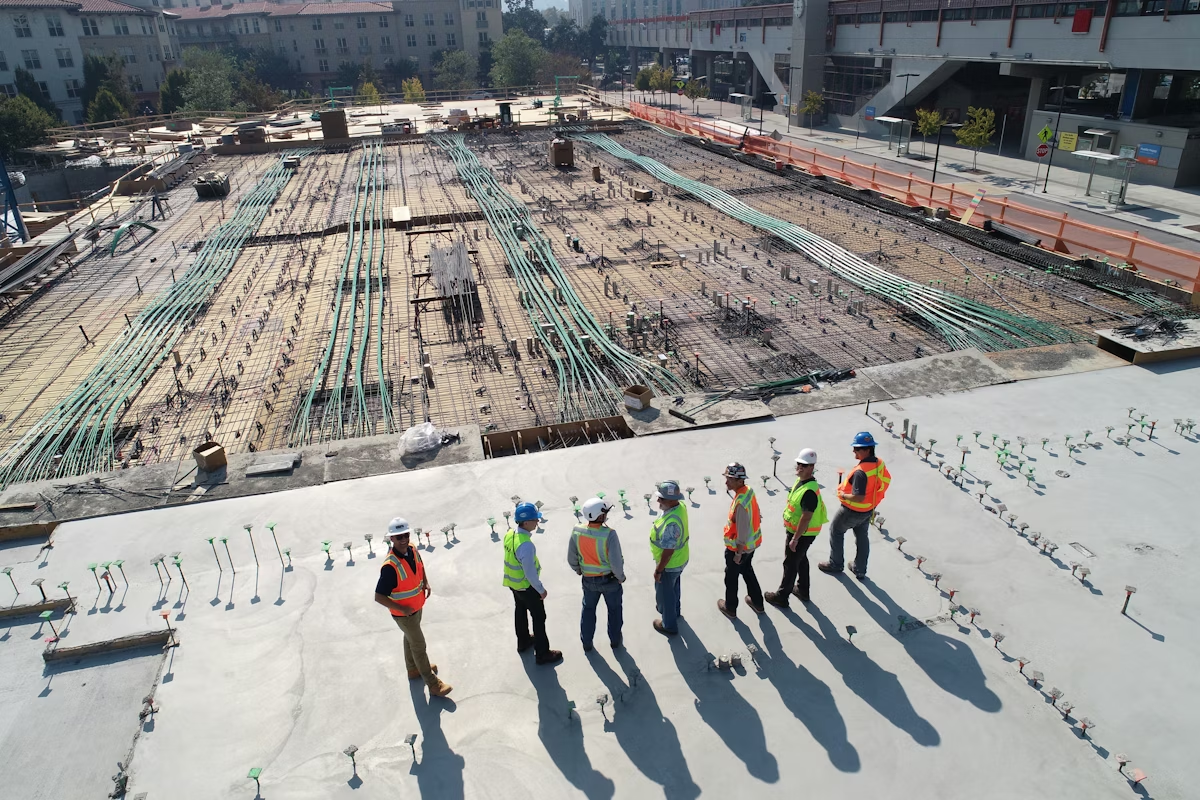
FAQ
Manufacturing ERP FAQs
No. CrmLeaf runs in any modern browser. Barcode scanners are optional for faster picking.
Get started today
Streamline production. Protect your equipment. Reduce cost and waste.