
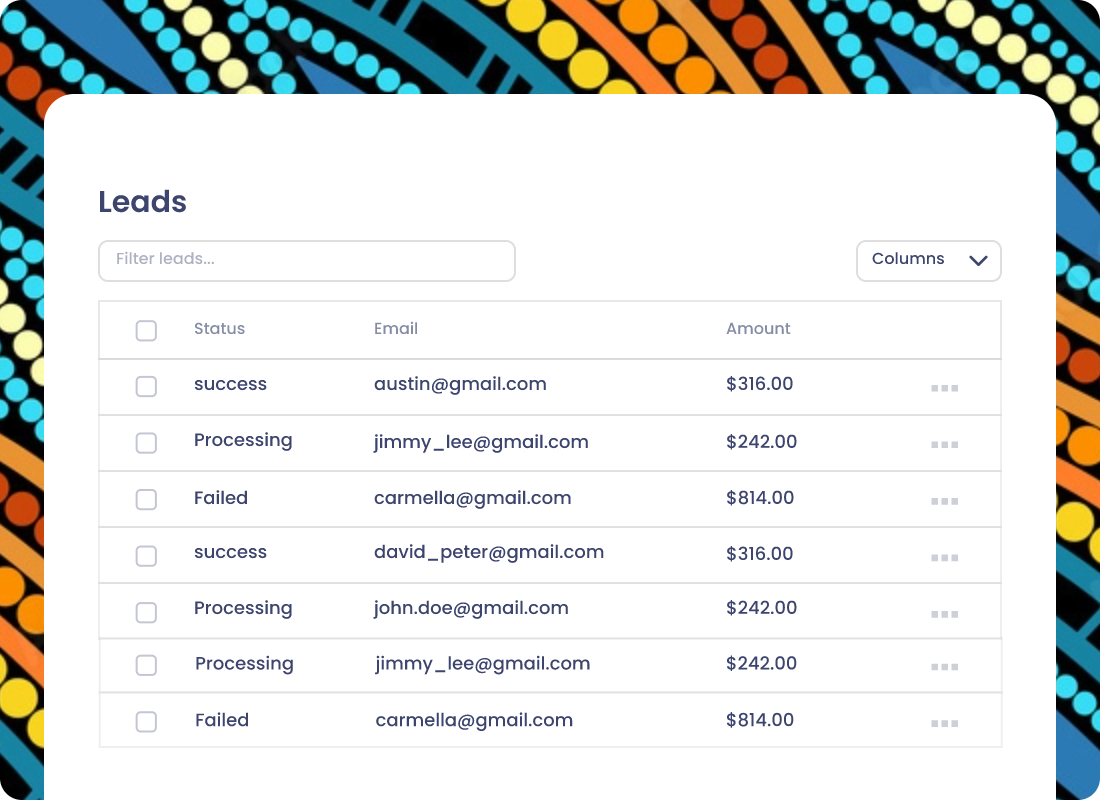
Finance dashboard for invoices and receivables
The finance dashboard shows what you invoiced, what is still unpaid and how late it is, and where invoice value came from. It reads the invoices, payments and expenses already in CrmLeaf, so no separate report has to be built by hand.
Part of one connected platform: see how this works with quotes, projects, time, billing and support.













Stay ahead with the Latest Insights

How Professional Services Firms Can Improve Invoice Accuracy

CrmLeaf Community Edition: A New Era of Open-Source Business Software

From Hours to Profit: How Time Tracking Drives Professional Services Profitability

Why Professional Services Firms Outgrow Spreadsheets: 9 Warning Signs
Invoices, payments and expenses on one finance dashboard
One connected platform
Ten stages, one client record
The finance dashboard is the Measure stage of a ten-stage workflow. It reads the invoices, payments and expenses already in CrmLeaf, so billing and receivables figures come from the same records your team keeps for the work.
- 01Sell
- 02Quote
- 03Agree
- 04Onboard
- 05Deliver
- 06Staff
- 07Track
- 08Bill
- 09Measure (you are here)
- 10Support
Four things run across every stage: AI and automation, integrations, roles and permissions, and mobile access.
Who it fits
Finance leads and service firms that invoice clients and need to see what is invoiced, what is unpaid and how late it is, in one place.
Compare plans and start a free trial at /pricing.
Compare plans and start a free trialWhat the dashboard reads
Each tab uses records already in CrmLeaf, so no separate report has to be built by hand.
| From | To | What happens |
|---|---|---|
| Invoices | Billing and revenue | Invoices raised in the period, excluding drafts and cancelled invoices. |
| Invoices and payments | Receivables | Unpaid value, grouped by due date, with payments dated against the invoice. |
| Approved timelogs | Invoice sources | Approved hours, and how many of them are on an invoice. |
| Expenses | Expenses | Operating and rechargeable spend, and how much of it reached an invoice. |
Four tabs, four questions
Each tab answers one question about the money you invoice, collect and recover.
| Module | What it does |
|---|---|
| Billing and revenue | How much did we invoice, and how was it billed? Invoiced value, recurring revenue, credit notes, average invoice value and the billing model split. |
| Invoice sources | Where did the invoice value come from? Value from product lines, from expense recharge and from milestones, plus approved hours on an invoice. |
| Receivables | What is unpaid, and how late is it? Outstanding value, overdue value, ageing buckets, days sales outstanding and collection rate. |
| Expenses | Which expenses were recovered from clients? Operating spend, rechargeable spend, expense recovery rate and spend by project. |
Example
Three invoices in one month
- Invoice A is 10,000 and paid. Invoice B is 6,000 and 45 days overdue. Invoice C is 4,000 and not yet due.
- The dashboard shows 20,000 invoiced and 10,000 collected.
- Invoice B, at 6,000, falls in the 30 to 60 day ageing bucket.
- The collection rate is 50 percent: 10,000 collected out of 20,000 invoiced.
Made-up figures for illustration.
Which plan includes what
| Capability | Plan |
|---|---|
| Finance dashboard | See pricing page |
Questions about the finance dashboard
Does the finance dashboard show profit?
No. It shows invoiced value, unpaid value and recorded expenses. It does not show profit or margin.
Can I see which invoices are overdue?
Yes. The receivables tab groups unpaid value by ageing bucket and by client.
Can I see billable hours that were never invoiced?
Yes. The invoice sources tab shows approved hours and how many of them are on an invoice.
Can I filter the figures by client or currency?
Yes. Filters for period, organization, client and currency apply to every tab.
How are invoices in another currency counted?
Invoices in another currency with no exchange rate are counted at face value.
What does days sales outstanding mean?
It is the average number of days it takes to collect payment.
What does collection rate mean?
Collected value divided by invoiced value in the same period.
What does expense recovery rate mean?
Approved rechargeable expenses that reached an invoice, divided by all approved rechargeable expenses.
Does the dashboard hold a bad-debt provision?
No. It does not hold a bad-debt provision.
Does the dashboard track payment reminders?
No. It shows what is paid and what is overdue, but it does not log reminders, so it cannot show which reminder led to payment.
Can an AI assistant read these figures?
An assistant connected through the MCP server can read receivables and invoice data, within the permissions of the signed-in user. The dashboard itself is in the web app.

































































