
PSA Software
Professional services automation (PSA) software brings projects, resource planning, time tracking and billing into one place for firms that sell expertise by the hour or by the project. This category collects practical guides on what PSA software does, which features matter most, and how to choose a tool. You will find advice tailored to consulting firms, IT services companies and staffing agencies, plus a clear comparison of PSA software and CRM. If you run a team that delivers client work, start here to see how these tools keep delivery, utilization and invoicing connected.

PSA Software for Consulting Firms: A Practical Guide
Discover how PSA software helps consulting firms manage projects, consultant capacity, resource scheduling, time tracking, utilization, project financials, and billing through a connected professional services workflow.


PSA Software for IT Services: Managing Projects, Resources and Billing
Discover how PSA software for IT services connects projects, resources, time tracking, billing, and client work in one streamlined workflow.


PSA Software Features: 10 Must-Haves for Professional Services Firms
Discover the 10 essential PSA software features professional services firms should evaluate, including project management, resource planning, time tracking, billing, CRM, reporting, and automation.


How to Choose the Right PSA Software for Your Professional Services Business
Learn how to choose the right PSA software for your professional services business. Compare essential features, integrations, costs, implementation, and ROI to make a confident decision.
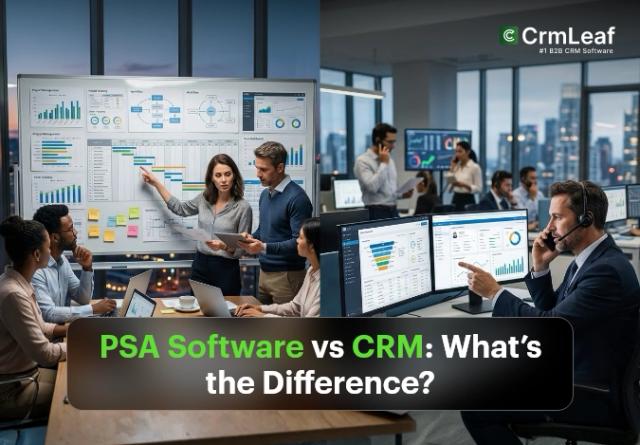
PSA Software vs CRM: What’s the Difference?
PSA software vs CRM is a common question for professional services firms that need to manage both sales and delivery. A CRM and PSA platform can both contain customer information, but they solve different operational problems.


PSA Software for Staffing Agencies: From Placement to Billing
Learn how PSA software helps staffing agencies connect job orders, placements, contractor management, time tracking, timesheet approvals, client billing, and placement margins in one streamlined workflow.

PSA Software for Architecture and Engineering Firms: Project and Resource Management
Learn how PSA software helps architecture and engineering firms manage project phases, resource capacity, multi-discipline teams, time tracking, fee visibility, scope changes, sub-consultant costs, and phase-based billing in one connected workflow.

PSA Software vs. ERP: Which Is Better for Professional Services Firms?
PSA software and ERP serve different business needs. PSA focuses on project delivery, resources, time tracking, utilization, and billing, while ERP manages broader finance and business operations. This guide compares PSA vs. ERP for professional services firms.

PSA Software vs Project Management Software: What’s the Difference?
PSA software vs project management software: understand the key differences in features, resource management, time tracking, billing, and project delivery to choose the right solution for your business.
The smarter way to run your professional services business
Connect projects, resources, time, billing, and support in one platform. Know where your work, people, and revenue stand - from the first proposal to the final invoice.