
Maintenance Types
The Maintenance Types feature allows you to create, manage, and customize different types of maintenance activities for solar installations. This ensures that maintenance schedules and tasks are clearly defined and easy to track.
Accessing Maintenance Types
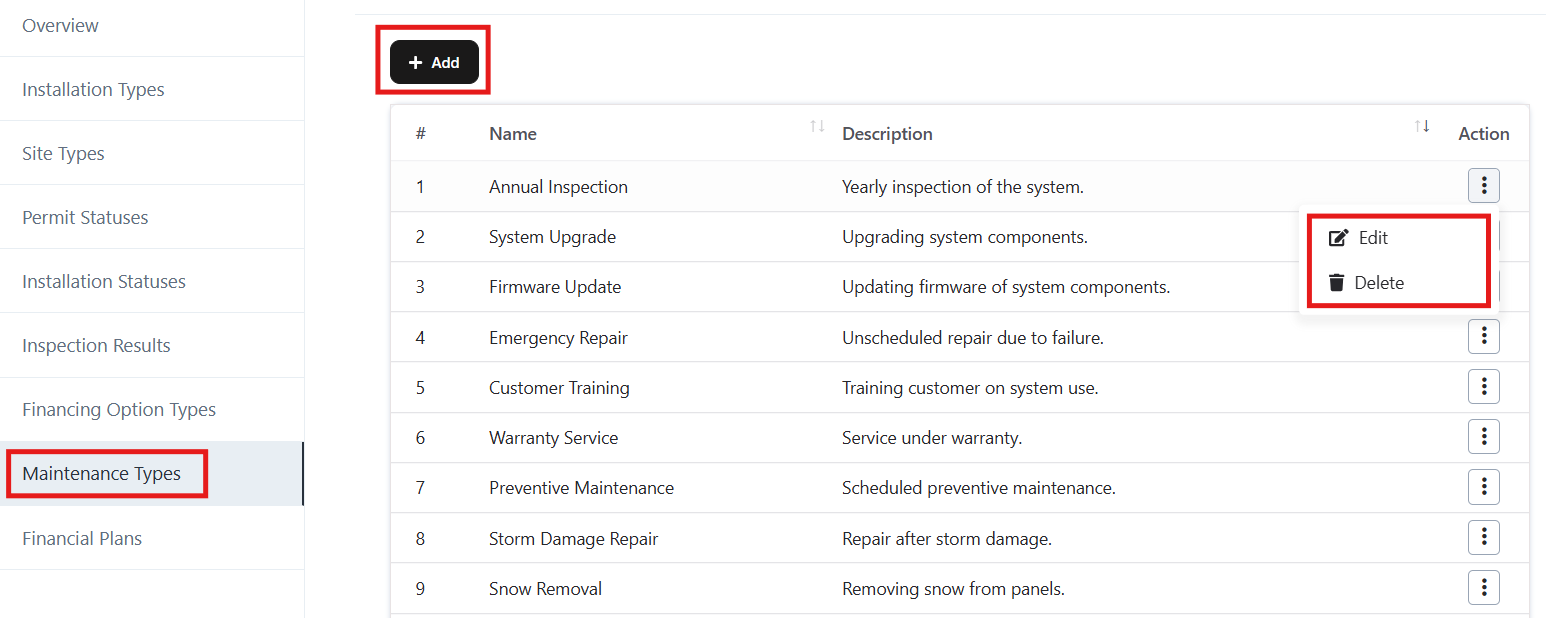
- From the left-side navigation panel, go to Settings → Maintenance Types.
- The page will display a list of existing maintenance types with their names and descriptions.
- Actions available: Add, Edit, and Delete.
Adding a New Maintenance Type
- Click the + Add button at the top left of the page.
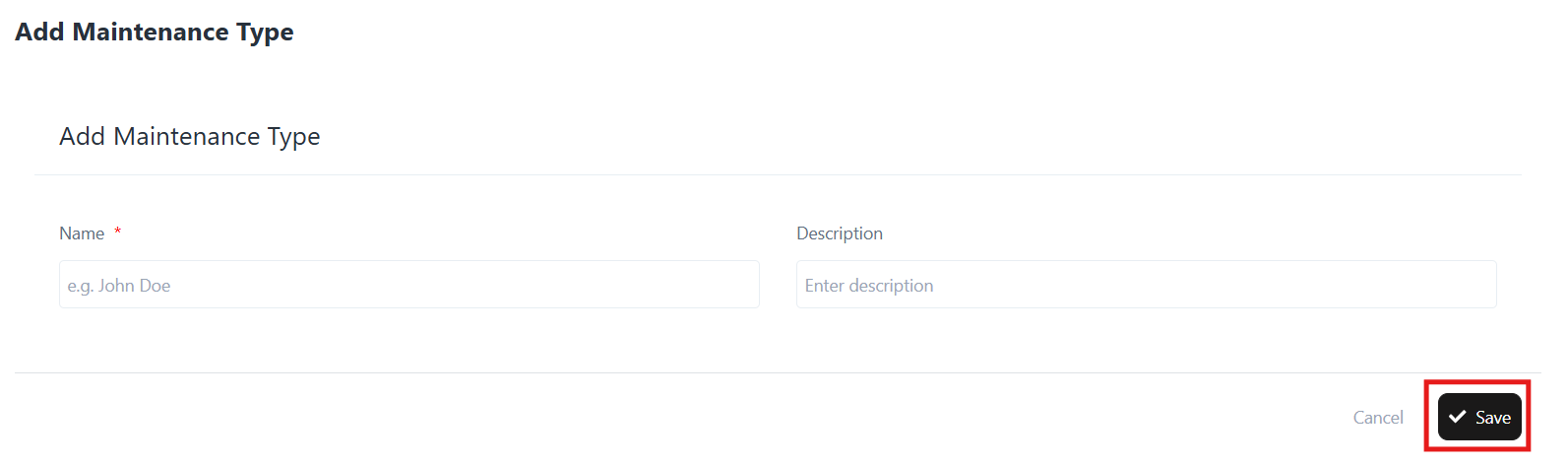
- In the Add Maintenance Type form:
- Name: Enter the name of the maintenance type (e.g., Annual Inspection, System Upgrade).
- Description: Provide a short description (e.g., Yearly inspection of the system, Upgrading system components).
- Click Save to add the new maintenance type.
Editing a Maintenance Type
- Locate the maintenance type you want to update in the list.
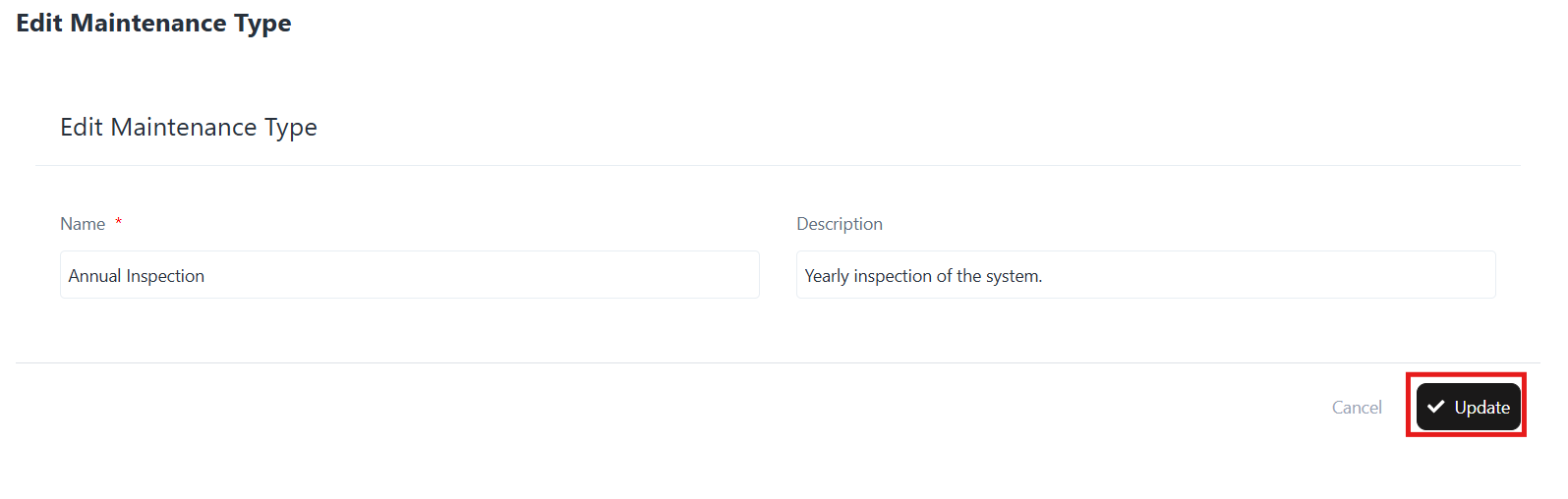
- Click the three-dot menu under the Action column and select Edit.
- Update the Name and Description fields as needed.
- Click Update to save the changes.
Deleting a Maintenance Type
- Locate the maintenance type in the list.
- Click the three-dot menu under the Action column and select Delete.
- Confirm deletion.
Once deleted, the maintenance type cannot be recovered.
Example Maintenance Types
- Annual Inspection – Yearly inspection of the system.
- System Upgrade – Upgrading system components.
- Firmware Update – Updating the firmware of system components.
- Emergency Repair – Unscheduled repair due to failure.
- Preventive Maintenance – Scheduled preventive maintenance.
- Storm Damage Repair – Repairs after storm damage.
- Snow Removal – Removing snow from solar panels.